

Accessibility panel
The accessibility button runs axe-core inside the preview and lists what it reports: the impact, a description, a link to learn more, and the elements involved.
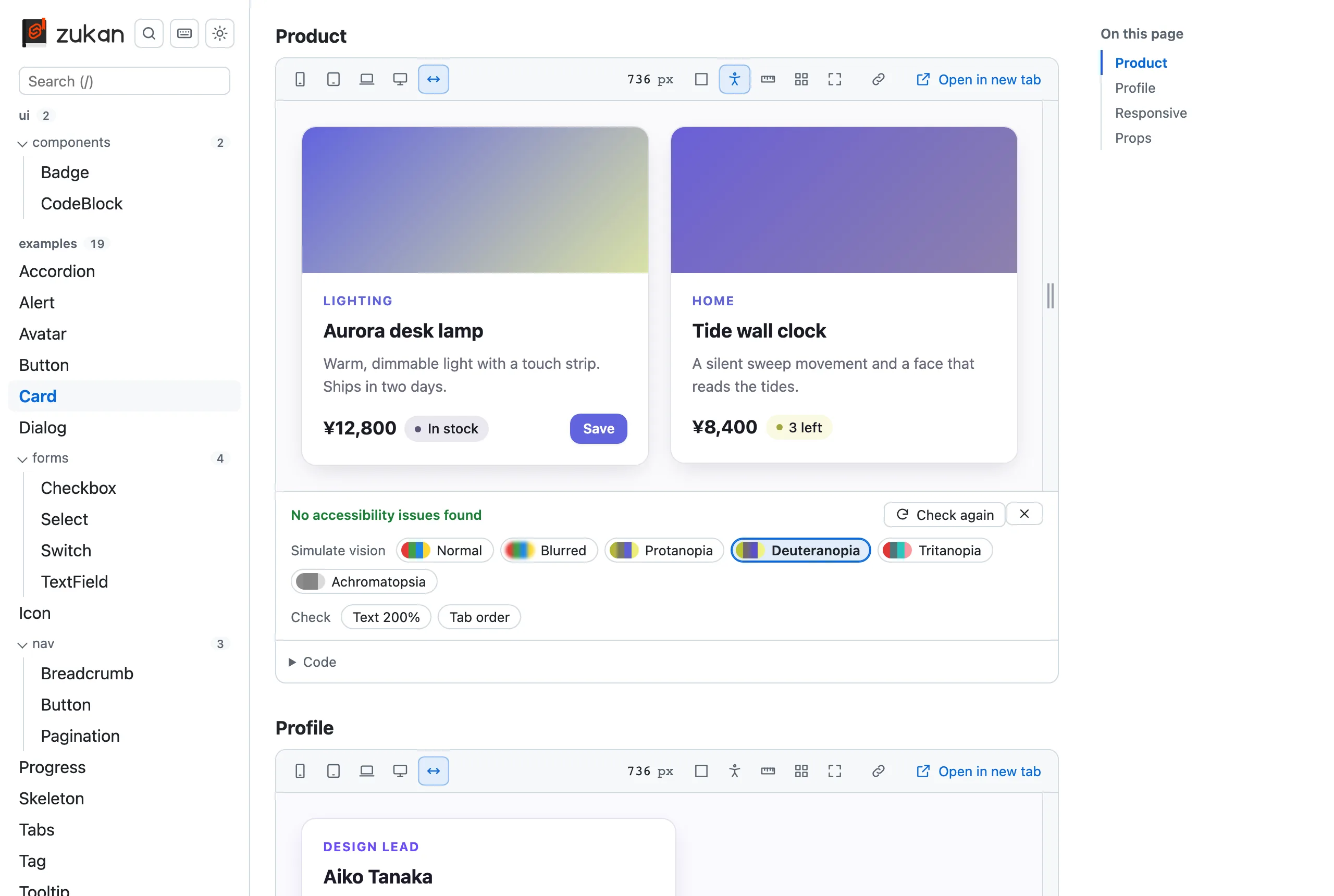
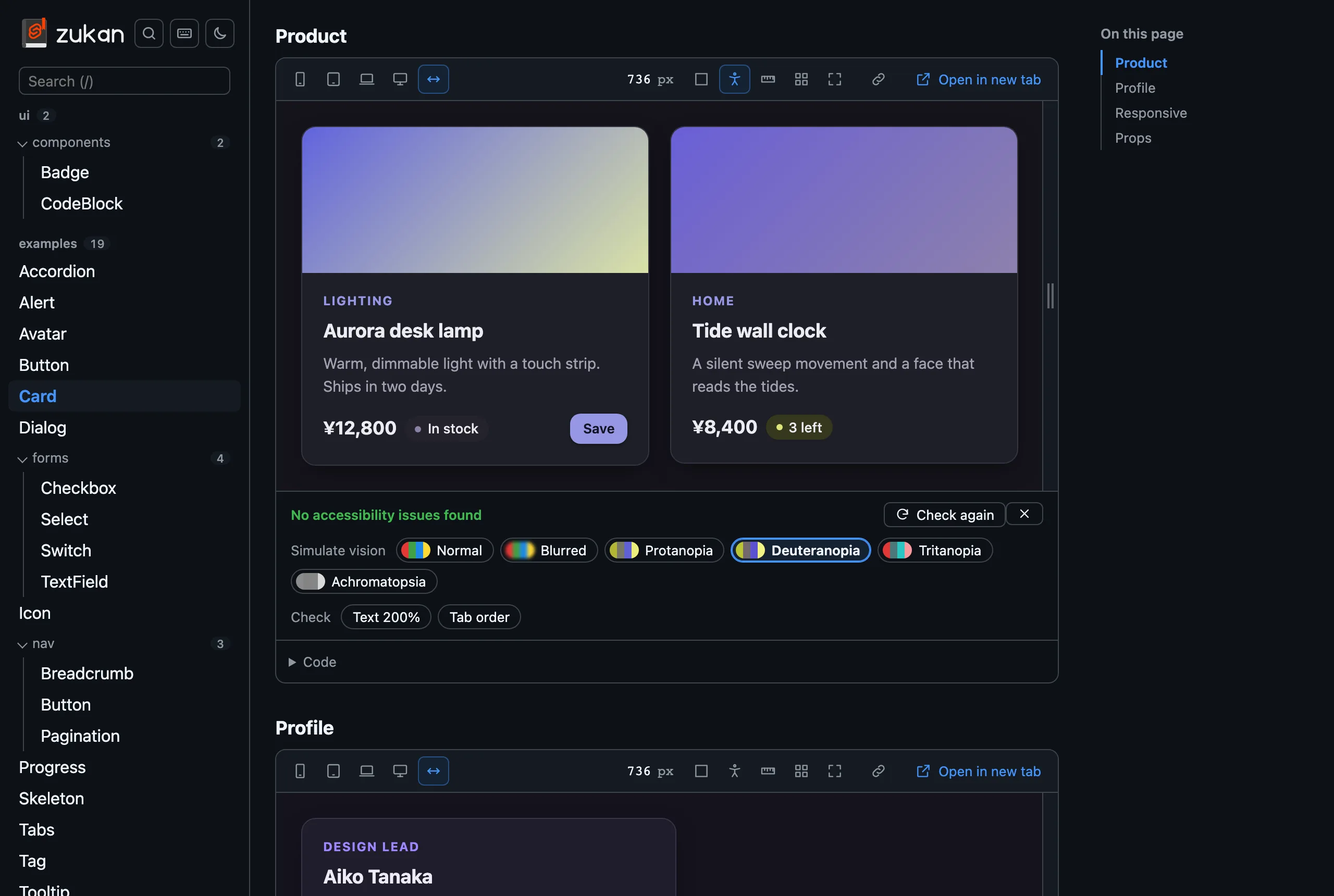
- The reported elements are outlined in the preview in the color of their impact. Hover or focus an element in the list to draw it thicker, or click it to keep it that way and scroll to it. An element inside a shadow root is listed as its host’s selector,
>>>, then its selector inside - What axe-core cannot decide on its own, such as the contrast of text over an image or a gradient, is listed separately under “Needs a manual check” and outlined with a dashed line. Read about each rule (Learn more) and check it yourself: some are visual, such as contrast, and some are not, such as an ARIA attribute. When nothing else is found, the panel says so instead of reporting no issues
- The check runs again after each edit while the panel is open, whether the preview reloads or the edit is applied in place, and after a theme switch or a width change
- “Simulate vision” shows the preview as seen with blurred vision or a color vision deficiency (protanopia, deuteranopia, tritanopia, achromatopsia). Each chip shows a sample of its colors
- “Check” has two switches for what axe-core cannot see:
- “Text 200%” doubles the root font size of the preview, as raising the browser’s default font size does, so text that overflows or overlaps shows up. Text with a fixed
pxsize does not grow, which is worth fixing too (WCAG 1.4.4) - “Tab order” numbers the elements the Tab key moves to, in that order, and numbers them again when the preview changes. Elements inside a shadow root or an iframe are left out
- “Text 200%” doubles the root font size of the preview, as raising the browser’s default font size does, so text that overflows or overlaps shows up. Text with a fixed
- The vision simulation and both switches go back to off when the panel closes or the preview reloads
- With
locale: 'ja', axe-core’s messages are in Japanese too - A section that fails to load, or whose component throws while rendering, is reported as the error instead of being checked
axe-core is loaded only when a check runs, as a script file of the catalog (/__zukan/axe.js on the dev server, a file under _zukan/ in the static export), so a Content-Security-Policy of script-src 'self' allows it. The rule about landmarks around all page content is off, since a component on its own has none.